Connecting AI to SharePoint and network drives without moving your project files.
Most plant builders keep their projects on a network drive or in SharePoint, in folders that have grown over years. Why you do not need to tidy up before using AI and what connecting it really involves.
 Yanik YeganehfarCo-Founder & COO6 min read
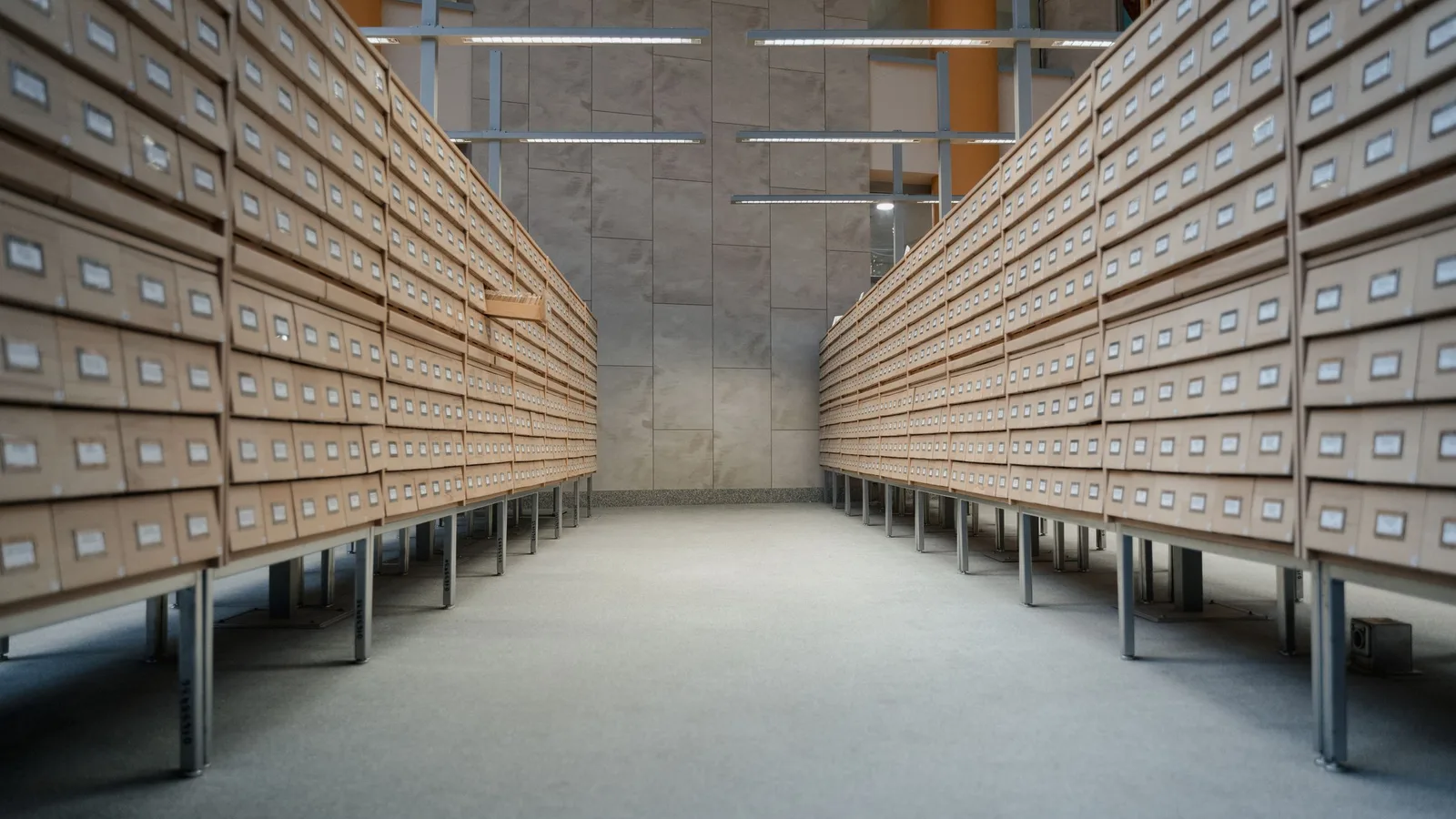
AI can be connected to existing project storage on a network drive or in SharePoint without moving any data. The storage stays the source of truth, permissions come from the source system, and changes and deletions are synced. There is no need to tidy up first. What matters is deciding which storage counts and which folders stay out.
Contents
A typical project folder in plant engineering looks like this. At the top, the project number and customer name. Below it "01_Quotation", "02_Specification", "03_Design", "Correspondence", "FAT_SAT", "Commissioning". Somewhere there is a folder called "old", one called "new" and a file named "Copy of BOM_final_v3".
The structure has grown over years, and each project manager has filled it slightly differently. That is exactly why the conversation about AI so often stalls on the same sentence. Before we do anything, we need to tidy up.
Where do machine and plant builders keep their project files?
In many companies on a network drive, often for decades. In others in SharePoint or Teams, frequently as a mix, because new projects were set up there while old ones stayed on the file server. Drawings sit in the PDM as well, notes in OneNote, agreements in email.
That is the normal case, not a failing. And it is one reason why the project status is so hard to piece together. It is scattered across Excel, OneNote and email, and across these folders. How much time that piecing together costs is covered in Project status in Excel, OneNote and email.
Why should you not tidy up before using AI?
The idea sounds sensible. Order first, new tool second. In practice it has several catches.
Tidying up never finishes. A network drive holding decades of project folders cannot be restructured on the side. Running projects need their folders every day, and nobody has time for the old ones. The initiative gets postponed, and the AI with it.
The grown structure has its own logic. For the people who work in it, "03_Design\Safety enclosure\Rev C" is not chaos. Rebuild the structure and they find their documents less easily than before.
A migration breaks references. Excel lists, minutes and emails point to file paths. Move the files and those references lead nowhere.
AI does not need tidy folder names. A knowledge assistant that reads the content of the specification, the bill of materials and the minutes finds the acceptance criterion even when it sits in "Copy of Specification_final". The order a person needs to find things again is not needed to the same degree by search.
It does not work entirely without preparation, though. Only your company knows which storage really counts. That decision is the actual preparation, not the reshuffling.
What does connecting AI to existing storage involve?
Connecting means the storage stays where it is and the AI reads from it. Four points separate a clean connection from a second storage area that slowly runs wild next to the first.
Reading instead of moving. Your team keeps working on the network drive or in SharePoint as before. Nobody has to upload files to a new system.
Permissions from the source. Anyone who cannot open a folder in the source system cannot see it in the AI either. This matters more than it sounds. A project folder holds quotations with prices, contracts and sometimes personal data of the site team. An AI that showed all of that to anyone who asked would be a data protection problem.
Changes and deletions are synced. When a new revision of the bill of materials arrives, the AI has to know about it. When a file is deleted, it must no longer appear in answers.
No second source of truth. The storage remains leading. What sits in the AI is a mirror of it, not a separate state that needs maintaining.
KoAssist is built along these lines. It connects to SharePoint, OneDrive, Google Drive and network drives or file servers, as well as OneNote, exports from the PDM and, if you wish, the Outlook mailbox. KoAssist picks up new and changed documents itself, and deleted ones disappear with them. No system migration is needed.
Which questions will your IT team ask?
Good. These are questions to put to every vendor, not only to us.
- Which permissions does the service get, and why? The principle should be as few as possible, and only on the storage that is actually connected.
- How are permissions carried over? Do the access rights from SharePoint or the file server apply, or do they have to be maintained again in the AI? Maintaining them twice leads to gaps sooner or later.
- Is a copy created, and where does it live? Fast search with source references needs an index. In KoAssist that is a synchronised copy, with hosting in German data centres.
- Is our data used for training? Not with KoAssist.
- How do we get out again? What happens to the copy when the connection ends, and is there a record of it?
- Which areas stay out? HR folders, management, personal drives. That should be settled before the start.
Answers on hosting, data processing, subprocessors and deletion are on the Security page. It is written so that your IT team and your data protection officer can check it directly.
How does a project folder become a project in KoAssist?
The grown structure has an advantage that is easy to overlook. Most plant builders have one folder per project. That is exactly where Project Memory starts.
You connect the folder that holds your running projects, from SharePoint or the network drive. Every subfolder becomes a project. Number and name come from the folder name, so nothing has to be typed in.
If you wish, KoAssist then fills the project profile from the documents. Every entry carries its source, the requirements from the specification are listed by chapter, and whatever the documents leave out appears as an open item. A typical case is a delivery date that is in the specification while the acceptance criteria for the SAT are defined nowhere. The missing item goes onto the list of questions for the customer.
You connect completed projects too. The knowledge assistant answers from them when someone wants to know how the safety enclosure was solved on the last comparable project.
The storage stays unchanged throughout. Your team keeps filing where it always has. What happens outside the folders, such as agreements made by email, is added by a separate route. How that works is described in Project decisions from email.
Where should you start?
Take the folder with your running projects and settle three things with IT. Which storage counts, which areas stay out, and who on the team reviews the first projects. That is all the preparation you need to begin.
What happens to a connected project folder in Project Memory is shown on the Project Memory page. If you would like to see it on your own storage, book a demo.

Frequently asked questions
More from the blog
Back to overview- 05 November 2026Article4 min
What happens to project knowledge when a quarter of the workforce in machine building retires?
By 2034 about 296,000 employees in German machine building will retire, while only about 118,000 will follow. What gets lost in the project business, and how to keep the knowledge in the project before the experienced people leave.
4 min - 03 November 2026Article7 min
Why does project status in Excel, OneNote and email take so long to pull together?
Open-points list in Excel, meeting notes in OneNote, decisions buried in email threads. Why the project status in plant engineering has to be rebuilt every time, and how it can assemble itself from the sources.
7 min - 26 October 2026Article7 min
How to keep the internal and customer versions of a status report apart
What belongs in a status report for the customer, what never does, and how to produce both versions from the same project status so internal remarks never reach the customer.
7 min